> For the complete documentation index, see [llms.txt](https://docs.nodeoperator.ai/llms.txt). Markdown versions of documentation pages are available by appending `.md` to page URLs; this page is available as [Markdown](https://docs.nodeoperator.ai/getting-started/configure-ponos.md).
# Configure Ponos
Create a ponos.yml and set required integrations.
Ponos reads configuration from `ponos.yml`. By default it looks for the file in:
1. `./ponos.yml` (current directory)
2. `~/.config/ponos/ponos.yml`
3. `/etc/ponos/ponos.yml`
You can override the path with `PONOS_CONFIG_PATH`.
## Get your API key
Ponos uses an API key to authenticate with the NodeOperator backend.
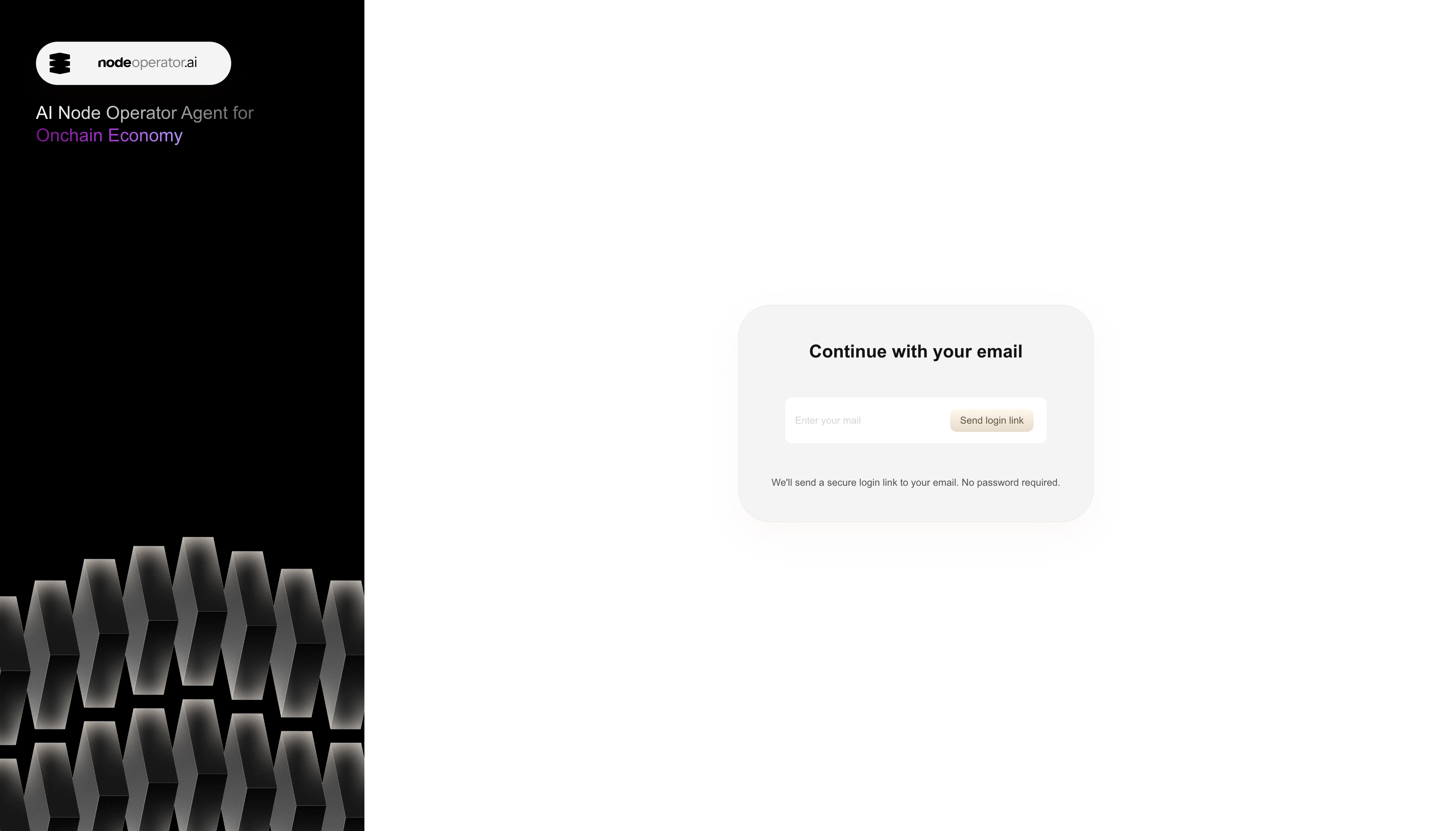
1. Go to `https://platform.nodeoperator.ai/`
This is the NodeOperator login screen where you start the magic-link flow.
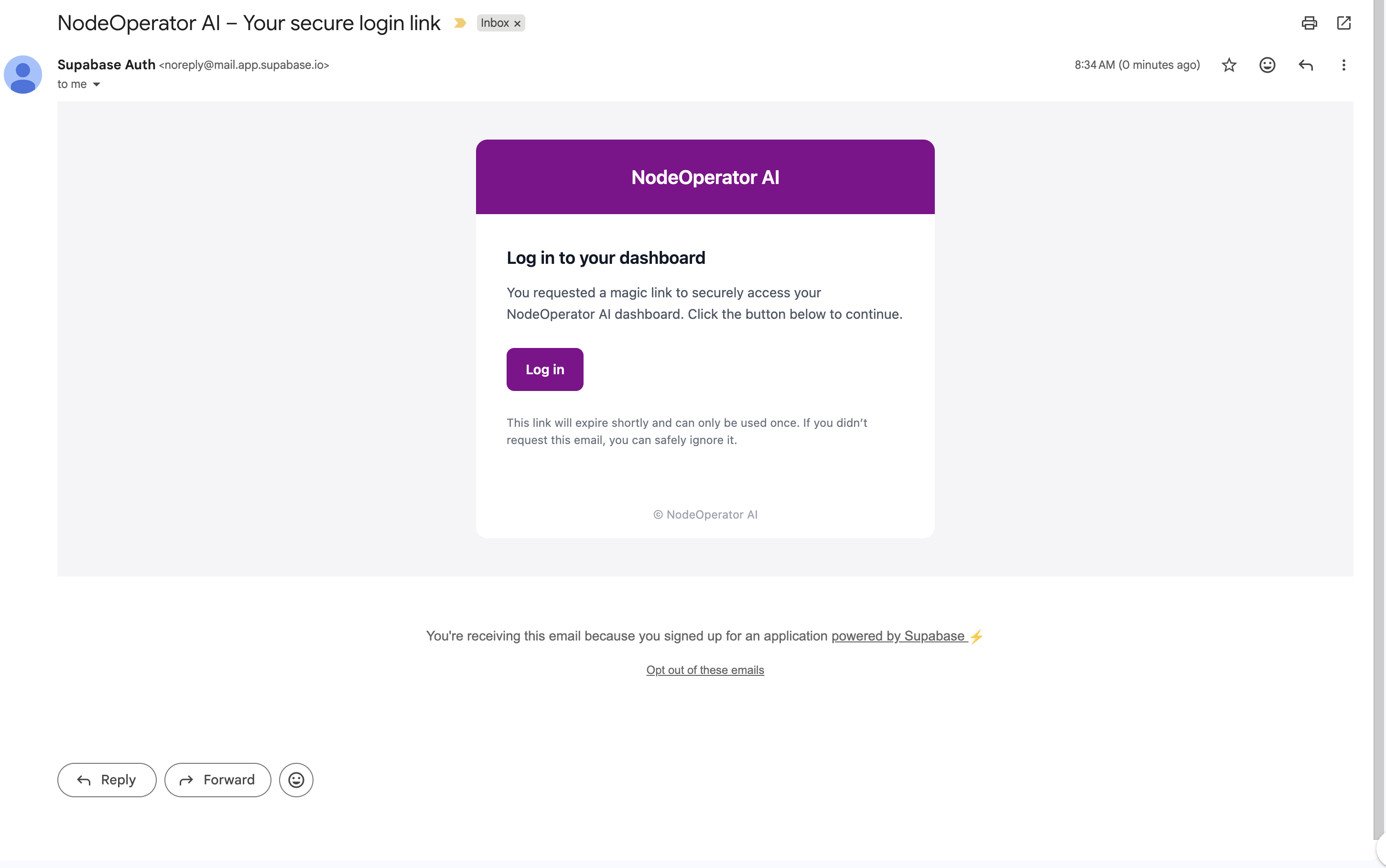
2. Provide your email and a Magic link will be sent to you
Enter your email and use the link in your inbox to sign in.
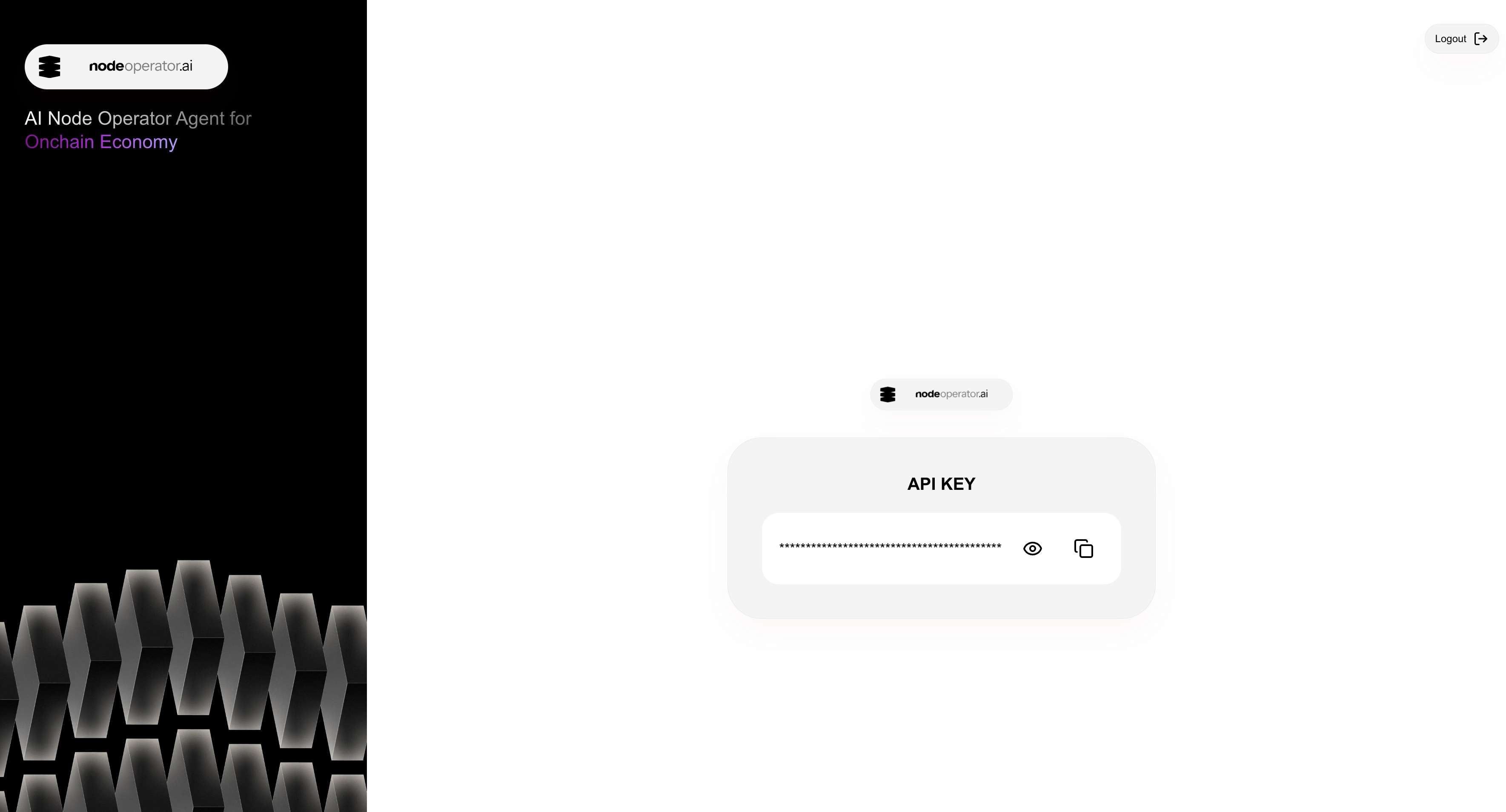
3. Create or copy your API key
Copy the API key shown here and keep it safe. You will paste it into `ponos.yml`.
4. Add it to your `ponos.yml` as `api_key`
## Create a config file
Copy the example config:
```bash
cp ponos.yml.example ponos.yml
```
## Configuring Ponos for Client Updates and Management
This section is required for upgrade workflows and GitOps PR creation.
At minimum, set:
* `api_endpoint` (NodeOperator API base URL)
* `api_key` (from )
* GitHub auth (PAT or GitHub App)
* Slack bot token + signing secret
Minimal example:
```yaml
version: 1
api_endpoint: "https://api.nodeoperator.ai"
api_key: "nai_..."
integrations:
github:
token: "ghp_xxx"
# OR GitHub App:
# app_id: "123456"
# install_id: "654321"
# pem_key: "/path/to/your.pem"
# bot_name: "ponos-bot"
slack:
token: "xoxb-xxx"
signing_key: "your_slack_signing_secret"
verify_token: "optional"
channel: "sre-tasks"
```
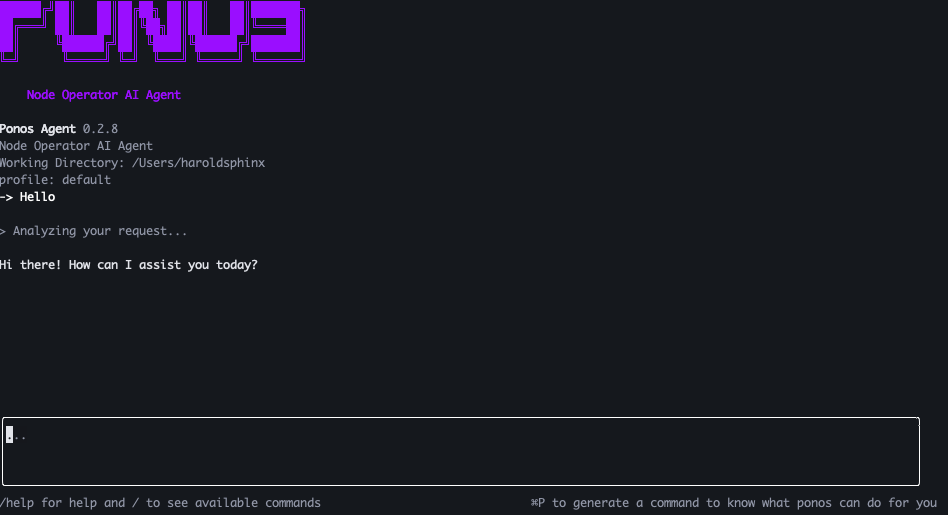
Once you save `ponos.yml`, restart Ponos. To verify the TUI is connected to the API, send a simple prompt like “hello.” You should see a response like this:
## Projects (Release Workflow)
Projects map networks to repos and file paths that Ponos can update:
```yaml
projects:
- network: "ethereum"
project_name: "mainnet"
owner: "your-org"
name: "infra-repo"
branch: "main"
paths:
- "deployments/ethereum.yaml"
```
## Node Observability & Incident Management
Use this section if you want diagnostics, logs, and metrics-driven analysis.
### Telescope (automatic monitoring for any blockchain)
Telescope is an all‑in‑one observability tool for blockchain nodes. It removes the need to hand‑maintain separate scrape configs for each component by setting up metrics and logs automatically based on the network you run.
You can read more about the project here:
If you already run Prometheus and Loki, point Ponos at your own endpoints here. Make sure your metrics and logs are labeled with `project_id` or `project_name` so Telescope can scope queries correctly.
```yaml
integrations:
telescope:
project_id: ""
project_name: ""
prometheus_url: ""
prometheus_username: ""
prometheus_password: ""
loki_url: ""
loki_username: ""
loki_password: ""
```
### Diagnostics
Diagnostics is disabled by default. It only runs when `diagnostics.enabled` is set to `true`. The provider can be `telescope` or `kubernetes`.
```yaml
diagnostics:
enabled: true
provider: "telescope"
github:
owner: "your-org"
repo: "infrastructure-issues"
slack:
channel: "sre-tasks"
kubernetes:
namespace: "default"
resource_type: "deployment"
monitoring:
service: "your-service-name"
log_tail: 500
eval_interval: 2
```
## Automatic client updates (optional)
Ponos can listen for release webhooks and create upgrade PRs automatically. This is off by default and only runs when the server is started with the release listener enabled.
In `ponos.yml`:
```yaml
server:
enable_release_listener: true
```
And set the env var before starting the server:
```bash
export ENABLE_RELEASE_LISTENER=true
```
## Next step
Run the TUI:
```bash
ponos
```
---
# Agent Instructions
This documentation is published with GitBook. GitBook is the documentation platform designed so that both humans and AI agents can read, navigate, and reason over technical content effectively. Learn more at gitbook.com.
## Querying This Documentation
If you need additional information that is not directly available in this page, you can query the documentation dynamically by asking a question.
Perform an HTTP GET request on the current page URL with the `ask` query parameter, and the optional `goal` query parameter:
```
GET https://docs.nodeoperator.ai/getting-started/configure-ponos.md?ask=&goal=
```
`ask` is the immediate question: it should be specific, self-contained, and written in natural language.
`goal` is optional and describes the broader end goal you are ultimately trying to accomplish on behalf of the user. GitBook uses it to tailor the answer towards what is most useful for that goal.
The response will contain a direct answer to the question and relevant excerpts and sources from the documentation.
Use this mechanism when the answer is not explicitly present in the current page, you need clarification or additional context, or you want to retrieve related documentation sections.